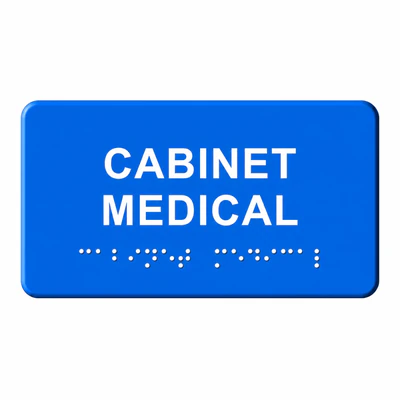
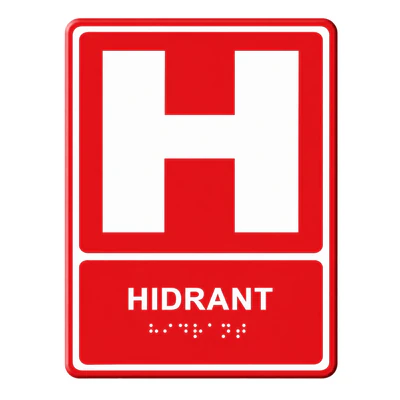
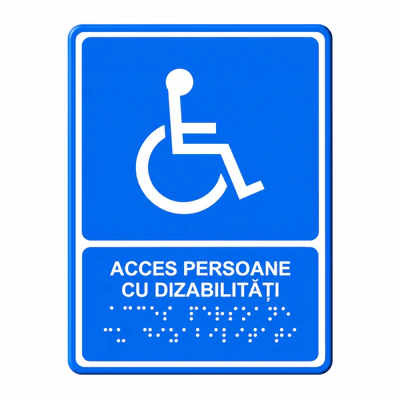
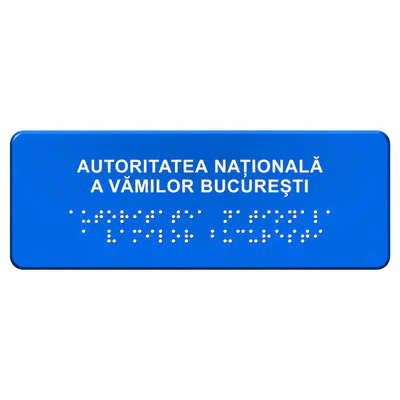
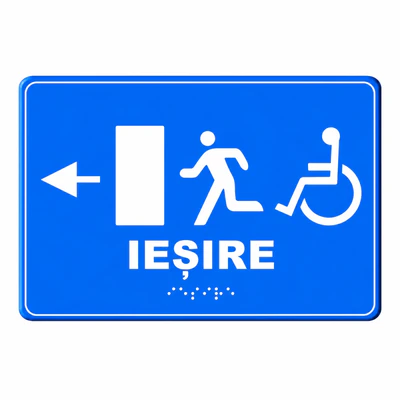
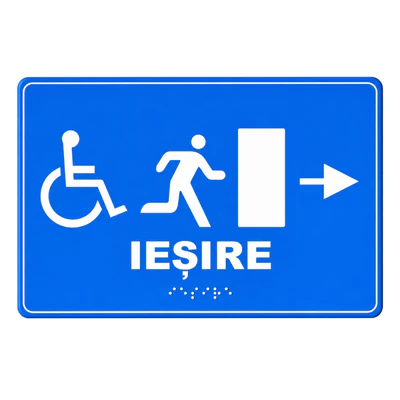
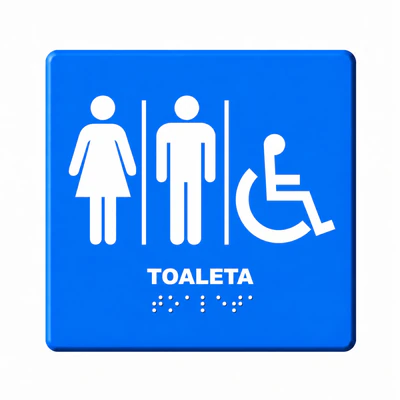
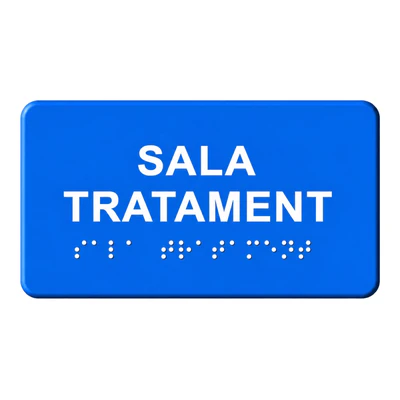
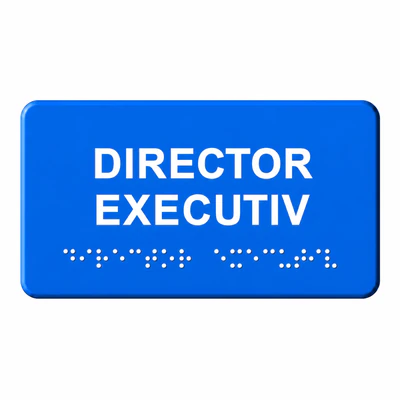
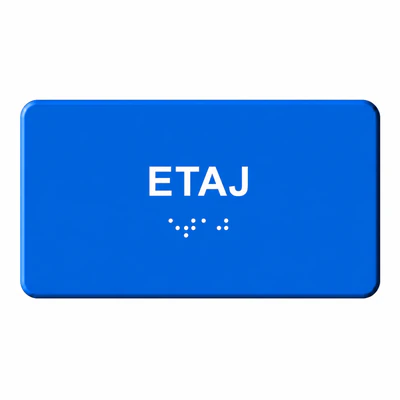
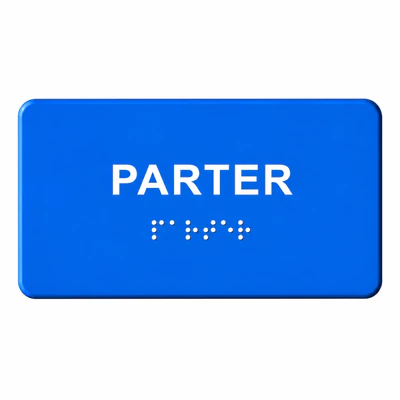
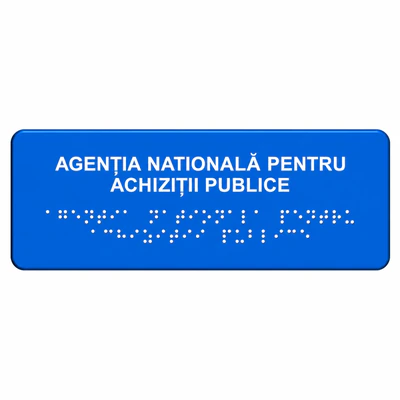
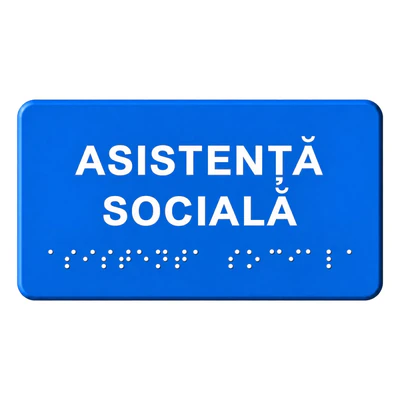
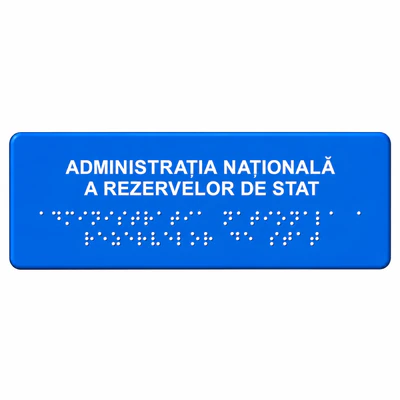
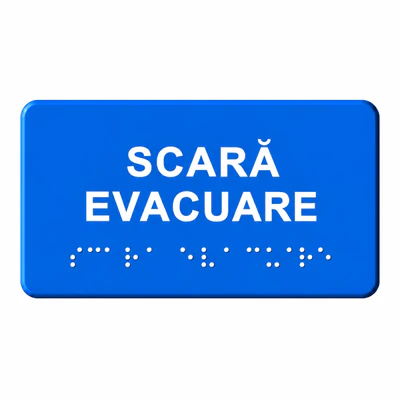
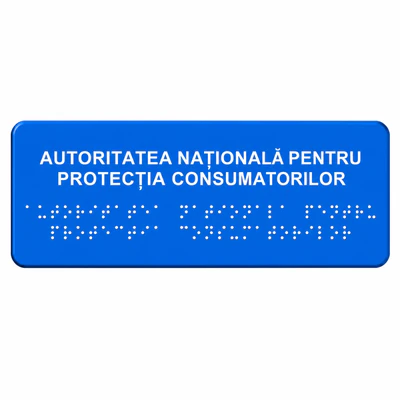
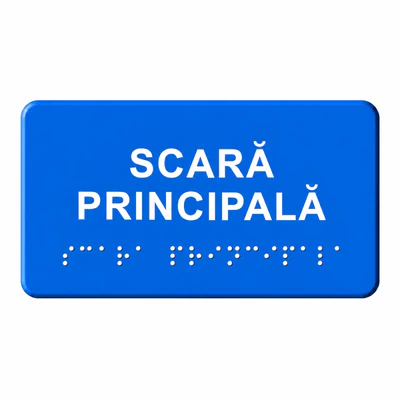
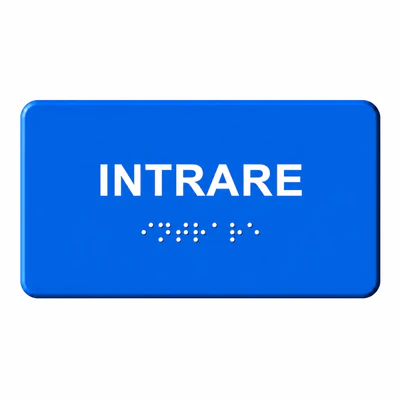
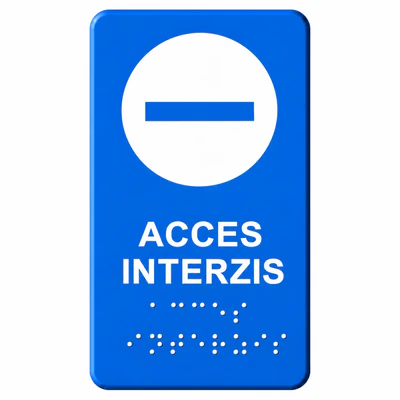
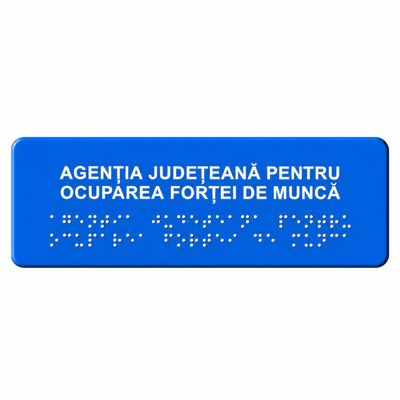
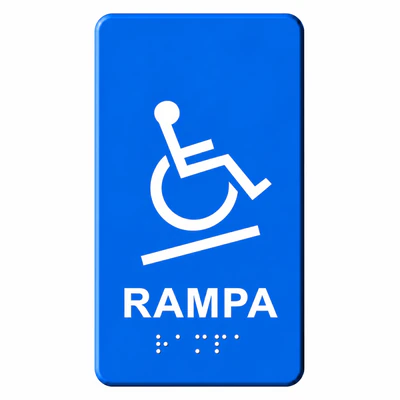
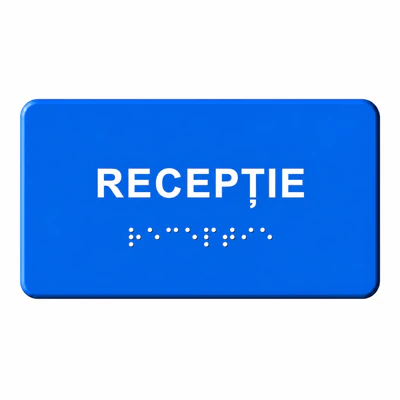
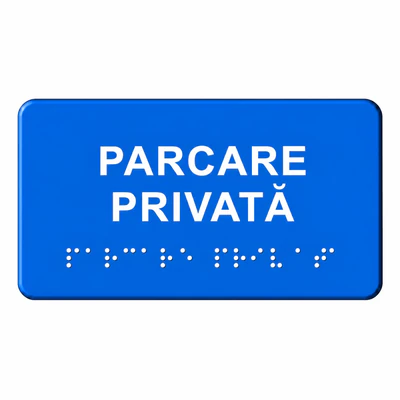
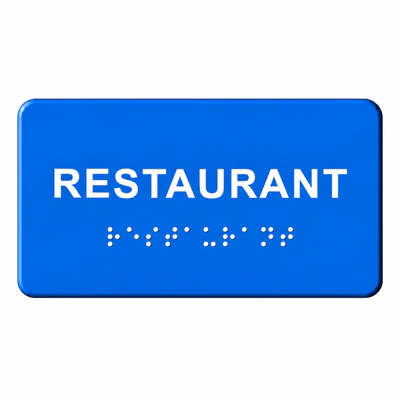
Braille Touch Markings are essential elements for creating safe and accessible spaces for people with impaired vision. These touch solutions provide touch-down information, facilitating the orientation, identification of important areas and avoidance of obstacles. Whether we are talking about public institutions, commercial buildings or urban spaces, the use of tactile markings directly contributes to increasing user safety and autonomy. They are designed for durability, visibility and easy integration in any environment.
What are Braille Touch Marks
Touch markings are Physical elements applied to surfaces (walls, walls, railings) which transmit information by touch.
In the case of Braille, these include:
- Texts in relief
- tactile symbols
- adapted pictograms
Their goal is simple: safe orientation without visual support.
They are used for both guidance (direction) and information (identification of spaces, warning).
Where they are used
Public spaces and institutions
- city halls, hospitals, schools
- railway stations, airports, transport stations
- administrative institutions
Commercial buildings
- malls
- hotels
- office buildings
Urban areas
- walk
- pedestrian crossings
- Public access areas
Areas with risk or complex orientation
- steps
- ramp
- agglomerated areas
These markings become critical in places where visual orientation is limited or impossible.
How it works
Braille tagging works through differences in texture and relief Perceived by touch.
Basic principles:
- clear touch contrast
- logical and coherent location
In the Braille case:
- the information is coded in standardised tactile points
- user ‘read message by touch'
Why They Are Important
Accessibility is not optional. This one or you need it.
Touch markings:
- Growing Safety in movement
- offers independence of the blind
- reduce the risk of accidents
- contributes to compliance with legal requirements
In many real situations, the lack of these systems leads to:
- Disorientation
- increased risk of accident
- impossibility of autonomous use of space
Advantage
- Clear orientation without external aid
- Easy integration into existing spaces
- Adaptability to multiple surfaces
- Compliance with accessibility standards
Types / variant of tactile markings
Braille Touch Plates
- include text and symbols
- provides information about locations
Vertical touch indicators
- Mounted on wall
- useful inside (lifts, doors, floors)
Touch pictograms
- intuitive symbols (toilet, exit, elevator)
Differences between options
Material
- Stainless steel → maximum durability
- polyurethane → flexibility
- plastic → economic solutions
Installation
- applied (adhesive)
- mechanical (screws)
Use
Level of reporting
- Simple (symbol)
- complex (Braille + symbols)
The right choice depends on the context, not just the price.
How to choose correctly
Important criteria
- type of space (interior/exterior)
- purpose (guidance vs information)
- support material
- Legal requirements
Mistakes to avoid
- random location
- choosing the wrong material
- Ignoring the Touch Contrast
Quick Checklist
- visible and detectable markings
- material adapted to the environment
- correct installation
- compliance with standards
Install & start up
Correct installation is essential.
General step:
- route analysis
- selection type marking
- Surface preparation
- assembly
- functional verification
For optimal results:
- the surface must be clean and flat
- the alignment must be accurate
- the distances must be respected
Maintenance & Maintenance
Touch markings are designed for durability, but require periodic checks.
Recommendations:
- regular cleaning
- check fix
- replace damaged items
In areas with intense traffic, wear is faster.
Common errors
Problems encountered:
- incorrect mounting
- Use of inappropriate products
- ignoring standards
Solutions:
- correct design from the beginning
- consultation of a specialist
- selection of certified products
Professional recommendations (from experience)
In real projects, the most effective solutions are:
- thought of as a complete system, not as individual elements
- integrated from the design phase
- tested in real-life conditions of use
A common example:
In large buildings, incomplete markings create more confusion than their lack.
That's why, the consistency of the route is more important than the quantity of the markings.
Why is so special ProTrafic
- safe road experience and accessibility
- products tested and compliant
- real technical advice
- rapid delivery from stock
- support in choosing the right solution
Competitive advantage
- full range
- solutions adapted to the project
- post-sale support
- verified quality
Discover the full range and choose the right solution for your project
Braille touch markings are essential solutions for the safe orientation of blind people, providing clear guidance and accessibility in any public space.
FAQ – Frequently Asked Questions
What are Braille touch marks?
They're touch elements that transmit touch information using the Braille system.
Where are they mandatory?
In public spaces, institutions and buildings accessible to people with disabilities.
Can they ride outside?
Yes, there are weather-resistant variants.
Am I hard to install?
Not if they are mounted correctly and on the prepared surface.
What's the best material?
Depends on traffic and environment
How do they keep up?
By cleaning and periodic checks.
Are they standardized?
Yes, there are clear rules for size and location.
Can they be customized?
Yes, especially Braille text plates.
Are they visible to people without disabilities?
Yes, many have visual contrast.
What is the difference between Braille markings and indicators?
Markings guide, indicators provide information.
- Choose the right solution for your project
- See all available products
- Requesting advice for implementation
- Discover the full range
- Optimize the accessibility of your space
Conclusion
Touch markings are an essential element for real safety and accessibility in any modern space.
If you want to implement these solutions correctly, explore the available range and choose the right option for your project.