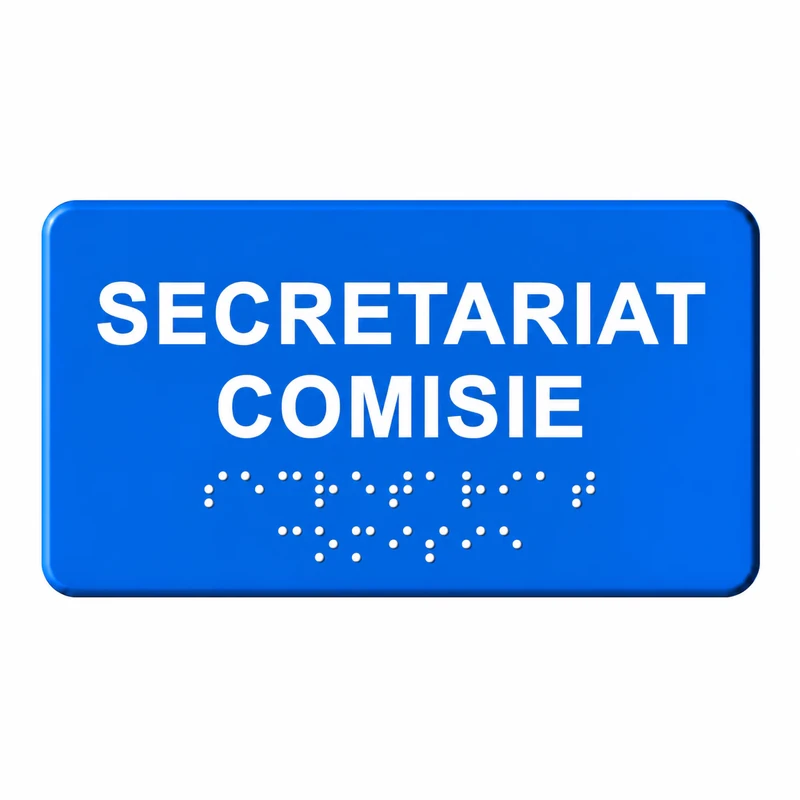
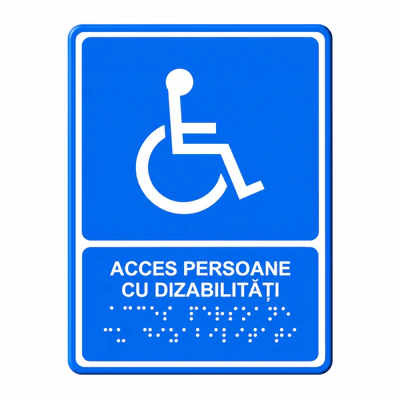
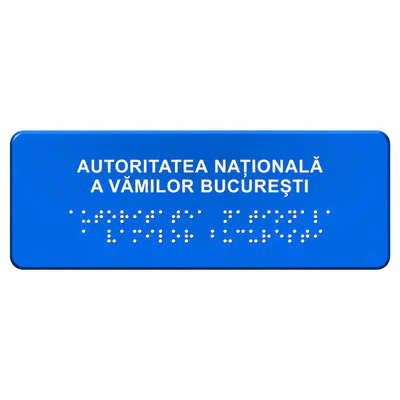
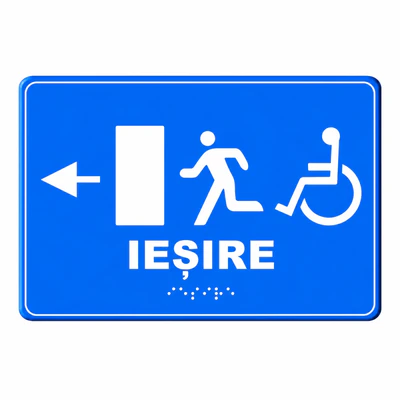
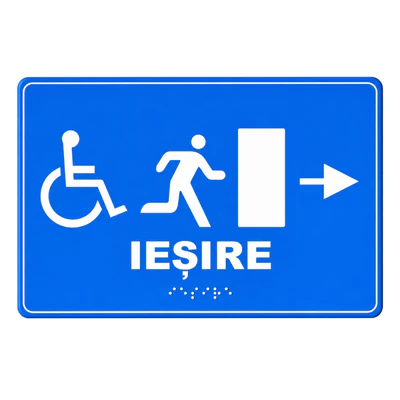
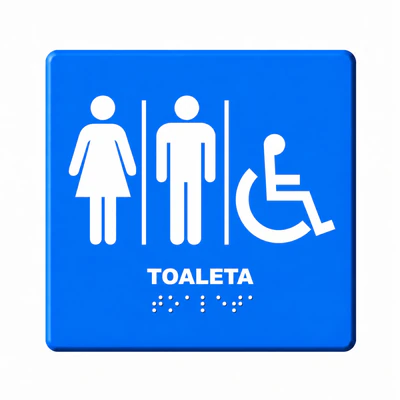
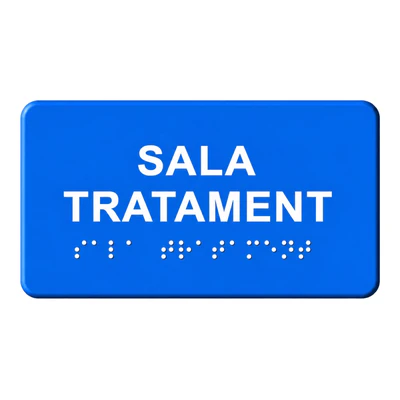
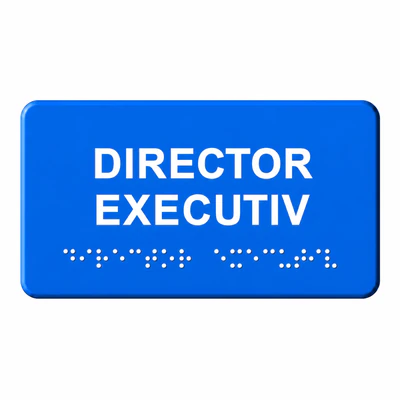
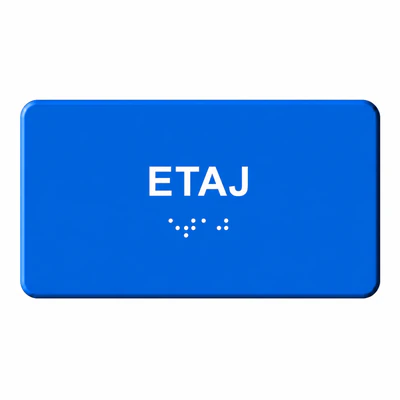
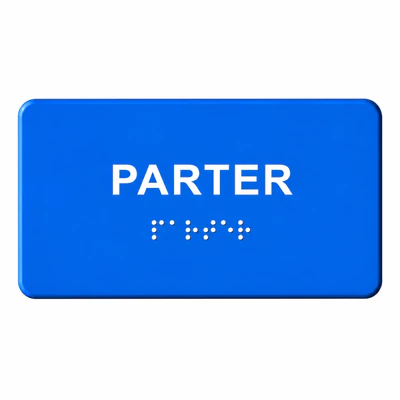
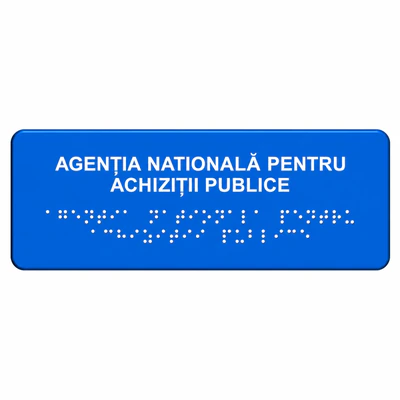
Braille touch indicator for visually impaired people Secretariat Commission – accessible signaling for rapid identification and effective guidance
In administrative, educational or institutional buildings, rapid orientation to major offices directly influences the experience of users. The Secretariat and the Commissions are essential points of information and their identification must be simple and accessible.
Braille touch indicator for visually odded people Secretariat Commission is designed for the independent identification of administrative areas and for integration into a modern internal signalling system.
By using tactile information and clear visual identification, the product contributes to the efficient organisation of spaces and the intuitive use of buildings.
Why a tactile indicator is important for the secretariat and the committee
Administrative areas should be located quickly and without difficulty.
Tactile signalling shall contribute to:
- independent guidance;
- rapid identification;
- improved accessibility;
- reducing search time;
- more efficient use of space.
This type of signaling helps users to get to the desired office quickly and supports positive building experience.
How Braille Tactical Signaling Works
The system transmits the information through several complementary methods.
Text Braille in relief
Allows identification of the office by touch.
Touch elements and dedicated symbols
Help users quickly identify the destination.
Clear visual identification
Complete the orientation for users with reduced vision.
Where the use of the Braille Secretariat Commission touch indicator is recommended
The product is recommended for administrative and institutional spaces.
Recommended applications:
- public institutions;
- schools and universities;
- educational centres;
- administrative buildings;
- hospitals and clinics;
- company premises;
- offices;
- cultural centre;
- private organisations and institutions;
- commercial spaces.
Benefits of using a tactile indicator for administrative offices
Rapid identification
Allows simple location of the office.
Improved experience
Reduces the time required for guidance.
Increased accessibility
Contributes to the independent use of space.
Professional image
Complete the modern fixtures and signalling systems.
Available also in custom variants for special projects
Each project may have different requirements regarding the name of the space and visual integration.
In addition to the standard version, we can make different custom models, sizes, colors and variants on request, for full adaptation to project requirements.
Alternatives may be made for:
- custom dimensions;
- different colours;
- special texts and designations;
- dedicated symbols;
- adaptation to visual identity;
- Full signaling systems.
Installation recommendations
For optimal results it is recommended:
- location next to access to the office;
- accessible position;
- integration into a logical path;
- assembly without obstacles.
Commercial benefits
- Quick office identification
- Braille tactile signaling
- Improved accessibility
- Intuitive orientation
- Independent use
- Professional design
- Simple integration
- Custom available
Protrafic recommends and:
Product category
Similar products
Frequently asked questions
What is a Braille touch indicator for the Commission Secretariat?
It is an indicator for the identification of tactile and visual offices.
Who uses this product?
Persons with impaired vision and users who benefit from accessible guidance.
Can it be customized?
Yes, it can be made in different models, sizes and colors.
Where does he go?
Close to access to that office.
Is it only intended for public institutions?
No, it can also be used in private or commercial spaces.
Does it help with orientation?
Yes, it contributes to fast identification and intuitive use.
Can it be integrated into a complete system?
Yes, use with other touch indicators is recommended.
The Braille touch indicator for visually impaired people Secretariat The Commission contributes to the independent identification of administrative areas and to the creation of more accessible and user-friendly spaces. Tactical signalling supports efficient orientation and user comfort.